
Searching Cases by Name
Start with the Clerk's Case Management page. It sends an Effingham County case search into Tyler CM Web Search. Pick Search By Party. The Party Name field wants last name first, no suffix, and at least two letters. The county disclaimer gives no accuracy warranty. It urges every possible spelling of a name, so try spelling variants.
Filters trim a long result list. Yet each one can also hide the case you want. Enter ST for State Court or SU for Superior Court. Court Division fills in once a court is chosen. Filing Date is the filing range, not the next hearing date. Active and Inactive are only index labels. They say nothing about dismissal, sealing, or the outcome of the case.
- Open the official portal and choose Search By Party.
- Enter the party name in last-name, first-name order.
- Select State or Superior Court and add only reliable filters.
- Review the result count, test spelling variants, and open the relevant case.
| Field | Control | Required | Effingham rule |
|---|---|---|---|
| Party Name | Text | Yes | Last then first; no suffix; two-letter minimum |
| Court Code | Select | No | ST State Court or SU Superior Court |
| Court Division | Dynamic | No | Loads after court selection |
| Filing Date | Date range | No | MM/DD/YYYY |
| Case Status | Select | No | All, Active, or Inactive |
Effingham CM Search Routes
The Effingham County Public Records portal gives you three ways in. Party Search matches a name. Associated Party Search needs an indexed link. That could be an attorney, a prosecutor, or some other tie to the case. Case Number Search is the sharpest tool. It works best when a citation, a notice, or a filed paper hands you the full identifier.
The portal's own guide notes a few quirks. Result counts sit at lower left, and you can browse across pages. Click a case and you reach its details plus a Proceedings tab. Images are a different layer, though. They are open only to account holders the Clerk's staff has approved. So the free public index does not promise a free copy of every filing.
The Clerk's case-management page lays out the official route for this docket search.
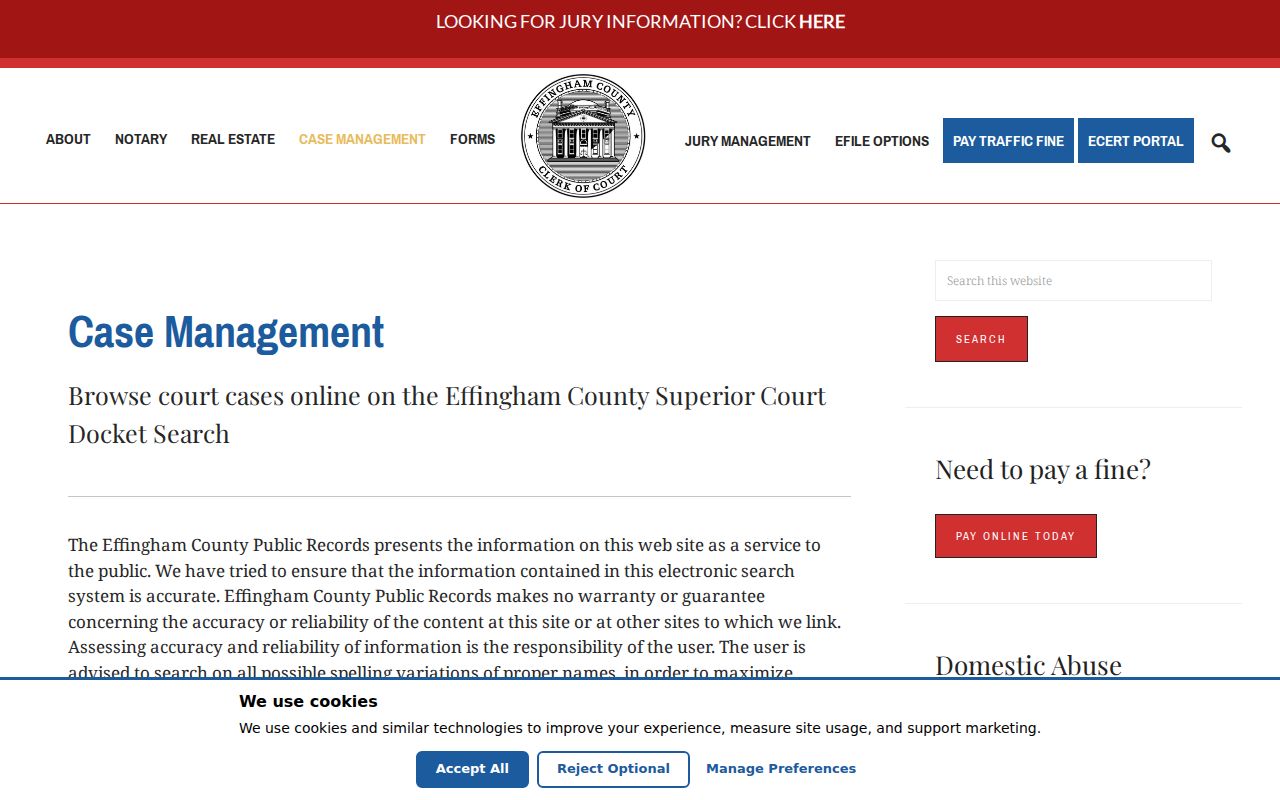
The screen helps separate the State and Superior Court index from other record systems.
Searching by Case Number
A case number lookup in Effingham County needs four parts. These are the Court Code, a Court Division, a four-digit Year, and a sequence of up to six digits. The portal pads that sequence out to six digits and stitches the pieces together. ST-[division]-2026-000123 shows the general shape. The bracketed division is only a model. The blank form does not list every local division.
The form turns away a year that is not four digits, falls at 1800 or earlier, or reaches past the current year. Case Type options run to Criminal or Civil. Status can be Active or Inactive. An Effingham County court docket search works best with the exact number in hand. Missing a piece? Turn to Party Search or call the Clerk instead of guessing at segments.
When Effingham Search Fails
An Effingham County docket search can come back empty. Look at the court and your inputs first. Drop an over-specific division, fix the filing date range, and follow the portal's name order. If jurisdiction is unclear, try ST and then SU. Magistrate, Probate, Juvenile, and city cases stay off the list no matter which code you search.
- Call the Clerk at 912-754-2118 with the likely court, year, and record type.
- Call Magistrate Court at 912-754-2124 for its civil and warrant work.
- Call Probate Court at 912-754-2112 and confirm its appointment rule.
- Call Juvenile Court at 912-759-1400 for permitted access.
- Ask the proper city clerk about a municipal case.
The county GovQA center routes court filings to the Clerk.
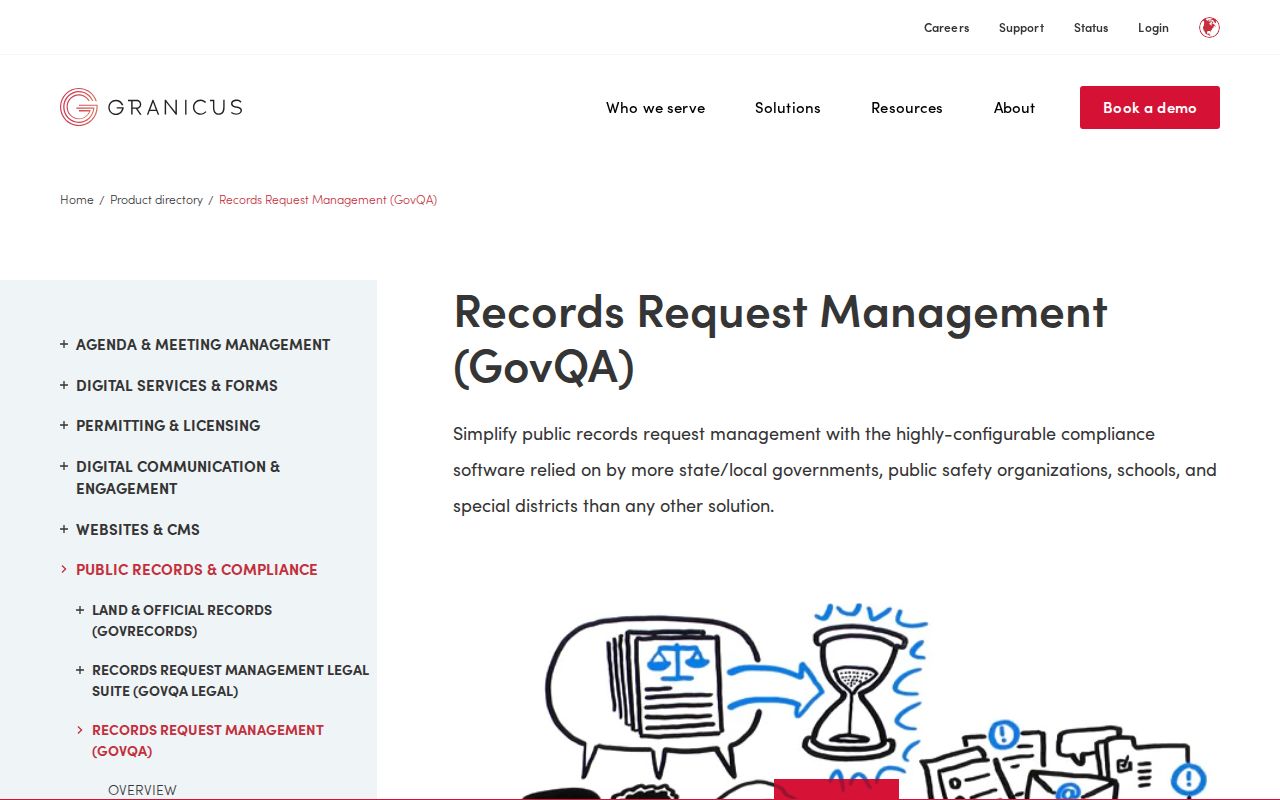
The notice prevents a court request from entering the ordinary agency-record queue.
What a Case Search Returns
The search forms and the official guide set out the fields described here, with no private case exposed. A result links you to case details and scheduled proceedings. Fields like judge, charge, bond, sentence, or financial amounts are not promised for every case, so confirm those facts against the actual public court docket or the filed document itself.
| Identifier | Court code, division, year, and padded sequence. |
|---|---|
| Indexed person | A party or an associated attorney, prosecutor, or other connection. |
| Type | Criminal or Civil on the number form. |
| Status | Active or Inactive, not a complete legal outcome. |
| Proceedings | Dated case activity in the guide's Proceedings tab. |
| Images | Possible indicators and approved-account access. |
Read the filed order itself before stating what the court decided, since a status line alone proves nothing about the judgment's terms.
Effingham Images and Copies
An approved account gets you more than search results. You can view whatever images the court has made available. Drop copies into a cart. You can save clean, no-watermark files for 30 days after you buy them. No price showed on the blank screen, so call the Clerk first to confirm the cost and the type of copy you need.
Need something certified instead? That goes through the GSCCCA eCert system. It handles certified-document requests and authentication codes for Georgia courts that take part. The official page spells out how an order and its code work.
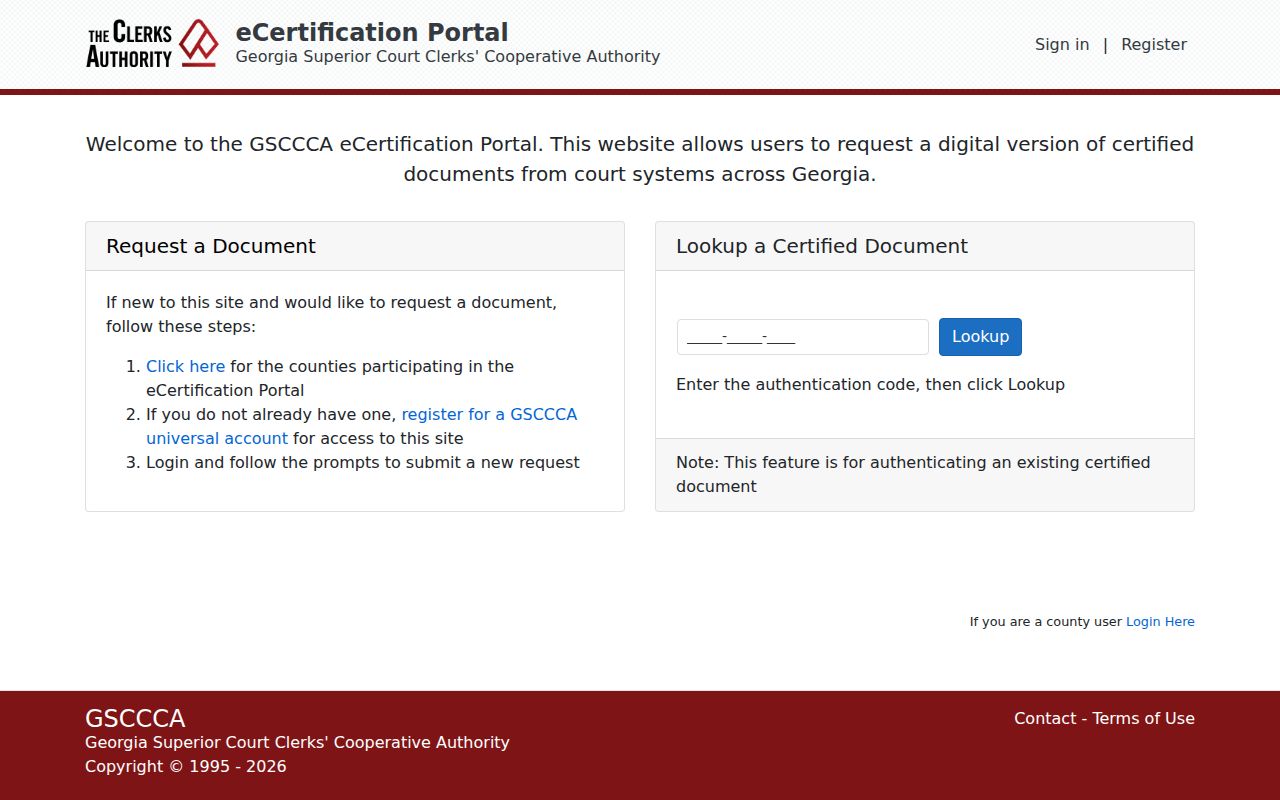
With eCert, the job shifts. You are no longer just finding an Effingham County case; you are ordering or verifying an authenticated document.
Statewide vs County Case Search
Georgia also runs a eAccess page, but think of it as a signpost. It tells you an account is required. It also points you toward providers, listing the Effingham State and Superior courts among them. For an actual docket search on those courts, the local CM Web Search stays the direct public index. Skip the router when you can.
| Point | Georgia eAccess | Effingham CM Search |
|---|---|---|
| Scope | Provider routing for participating courts | Effingham State and Superior index |
| Account | Required | Public index; approval for images |
| Best use | Find an access provider | Find a known local case |
| Boundary | Not one full statewide docket | Excludes other local and federal courts |
eFileGA, PeachCourt, and GreenFiling/InfoTrack transmit filings. They are not case-search replacements.
Effingham Federal Case Route
Federal matters that touch Effingham County never land in the county index. Turn to PACER Find a Case instead. That service covers federal district, bankruptcy, and appellate docket research.
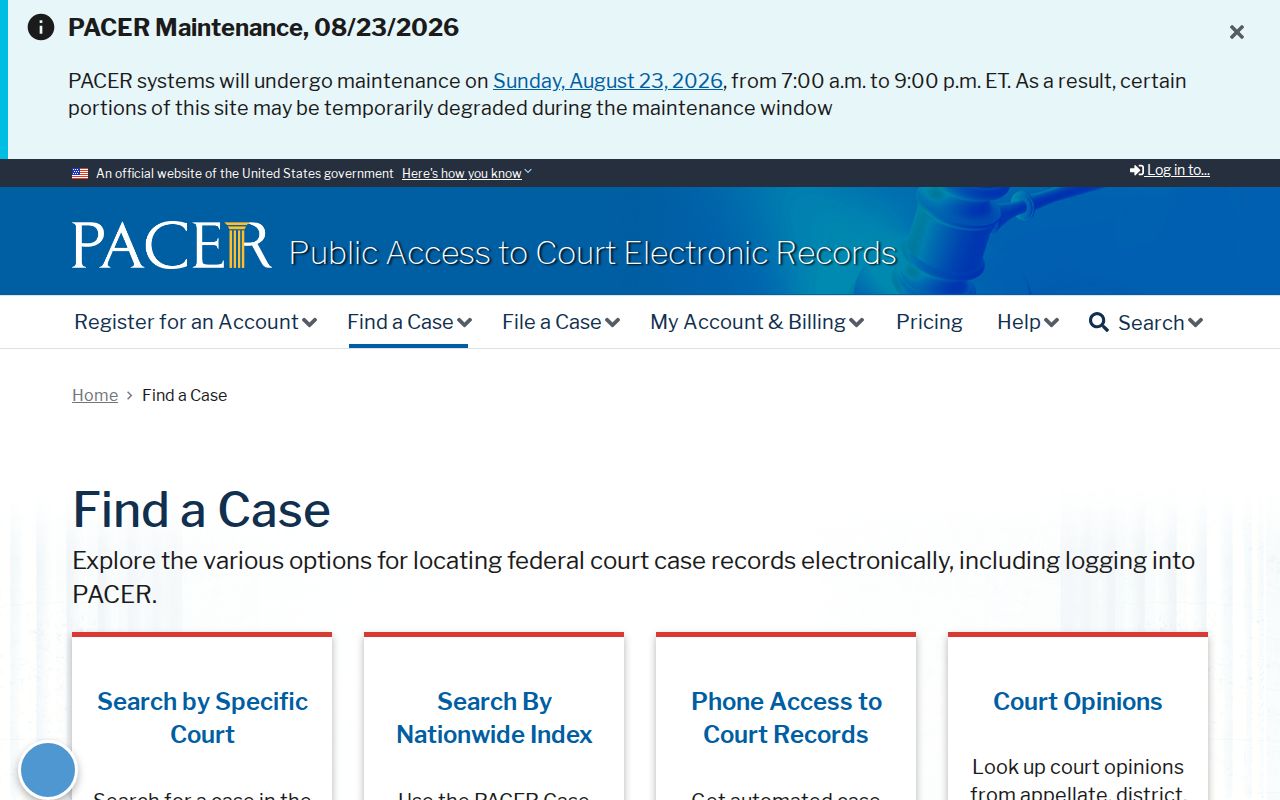
This federal screen marks the line where county court records end and national ones begin. The Southern District Savannah page names the nearby federal office.
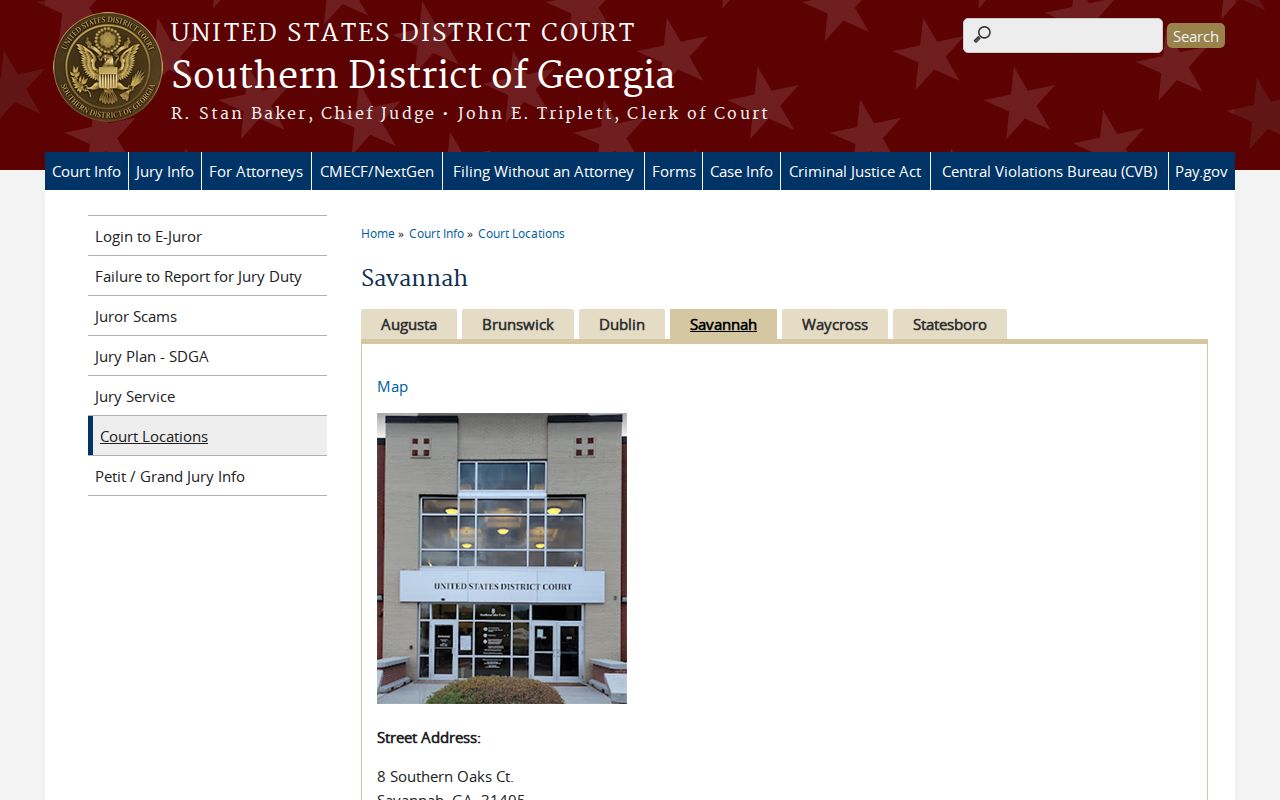
The listing shows which federal court, not the Effingham County Clerk, keeps the district record.
Access and Restricted Cases
Uniform Superior Court Rule 21 opens court records to the public. But law, procedure, and court orders set limits. Georgia rules shield parts of Social Security, taxpayer, and financial account numbers. Year of birth and a minor's initials are protected too. Juvenile matters stay confidential, and Effingham County offers no public juvenile docket search.
An account login does not break a seal. When an image is missing or redacted, ask the clerk whether a public redacted copy exists. Ask also which rule or order covers the withheld part. For in-person help, go to the Clerk's office at 700 N Pine Street, Suite 110. Call ahead to confirm a public terminal is available before you travel.
A missing result does not establish that no case exists. Confirm the court, spelling, date range, and lawful route with the record keeper.
Effingham Request Details
A good written request for Effingham County court records stays specific. Name the exact court, the approximate filing year, and the case or document type. Say which index terms you already tried. Give the date range you want searched. Choose your copy format too: plain, certified, or exemplified. Add contact details, but keep protected identifiers out of any email subject line. Ask for a fee estimate, since the public form lists no current CM image price.
Before you mail, fax, email, or use a drop box, call the clerk at 912-754-2118. No single countywide rule covers all those channels, so office routing can vary. Staff can explain current procedure for an Effingham County docket request. What they cannot do is give legal advice, per the State and Magistrate Court sources. A narrow factual question works far better. Avoid asking what a party should file or how a court might rule on an Effingham County case.